AI Enhance
From grainy and soft to crystal clear.
Pick any photo and Upscalo finds what's wrong — noise, softness, low resolution — and fixes it all in one go.

 BEFOREAFTER‹ ›
Upscalo's on-device AI sharpens blurry shots, removes noise, upscales to 4K and restores faces — and your photos never leave your phone.
 BEFOREAFTER‹ ›
Every example below is a real result from Upscalo on an iPhone. Drag the slider to compare.
Pick any photo and Upscalo finds what's wrong — noise, softness, low resolution — and fixes it all in one go.
BEFOREAFTER‹ ›Camera shake and missed focus don't have to ruin the moment. Upscalo removes blur and brings back sharp eyes, hair and texture.

 BEFOREAFTER‹ ›
Thumbnails, old phone pictures and screenshots get 2× to 4× bigger with real detail, not just stretched pixels. HD for free, full 4K with Pro.

 BEFOREAFTER‹ ›
Scanned prints and faded family portraits get their detail back, while keeping their original look and tone.
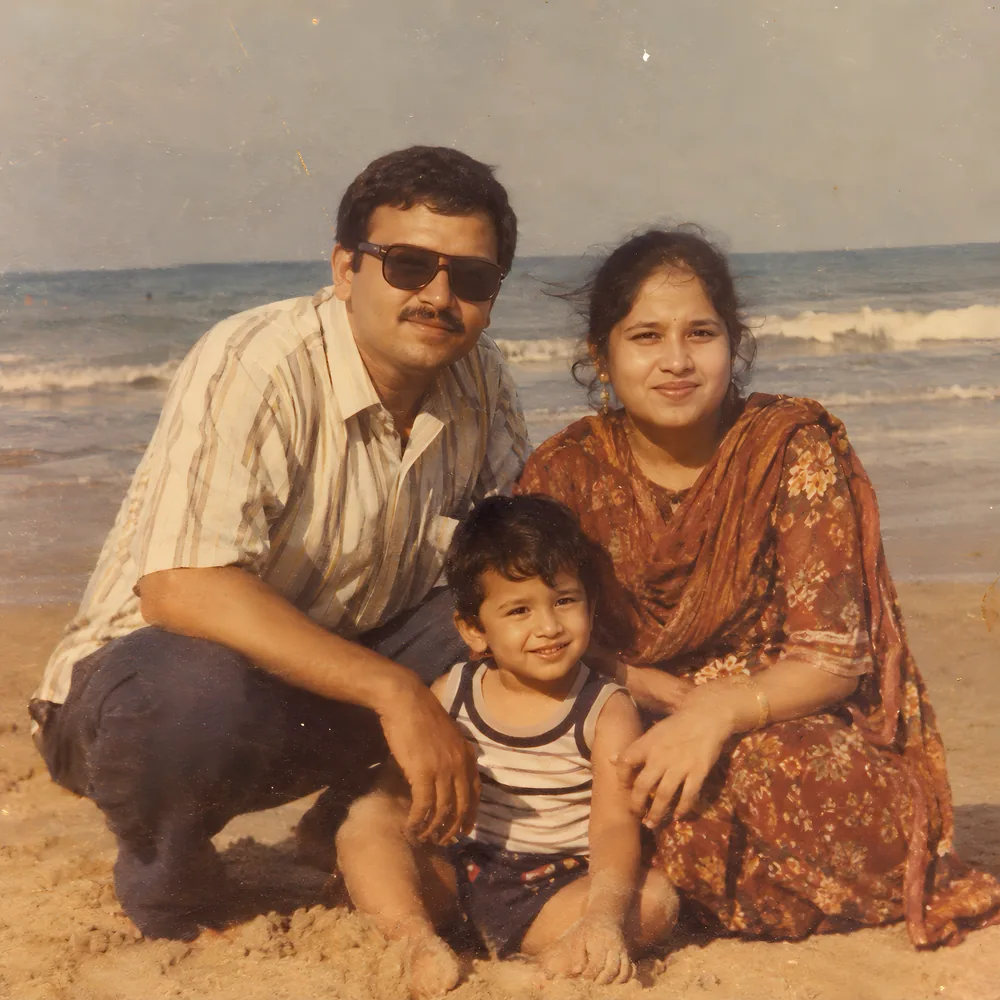
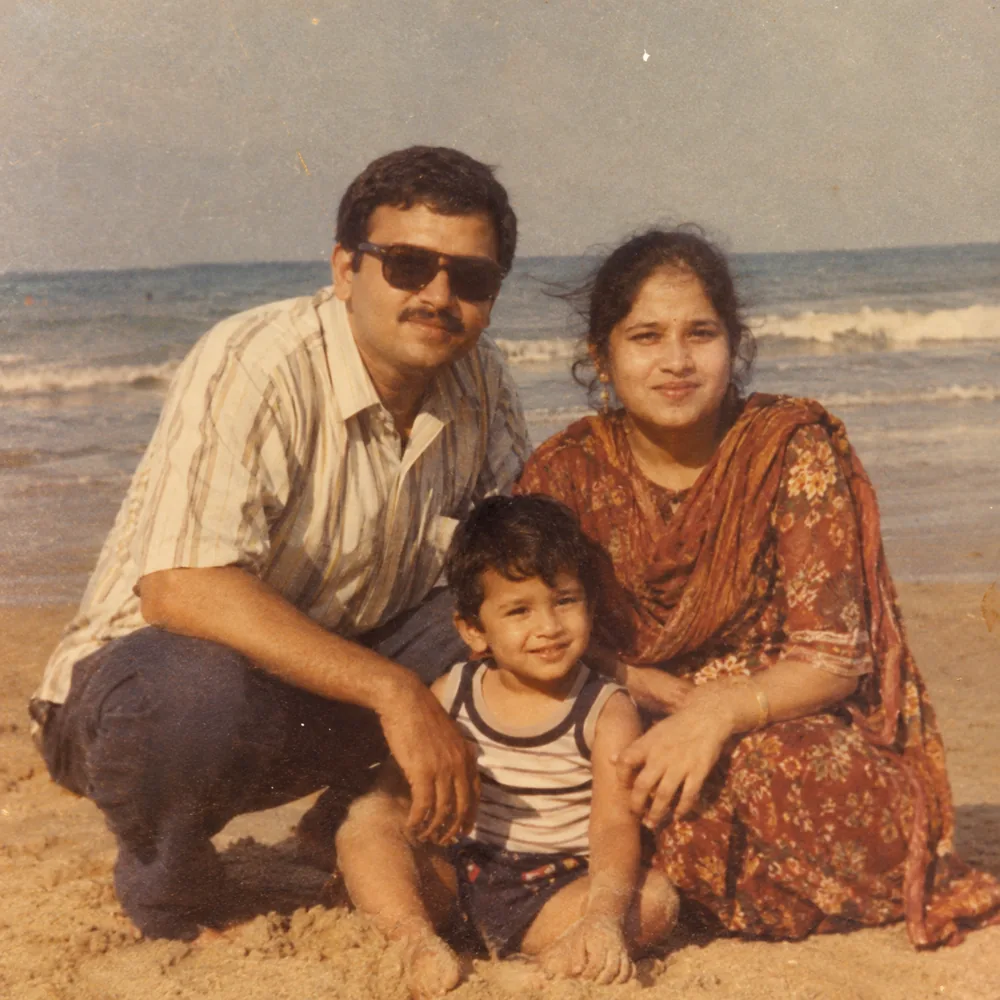 BEFOREAFTER‹ ›
Upscalo finds every face — even tiny ones in old group photos — and restores clear eyes and natural features.

 BEFOREAFTER‹ ›
Photos are processed on your iPhone or iPad. Nothing is uploaded, ever.
Upscalo analyzes each photo and picks the right fixes for you. No sliders or settings.
Once the AI engine is downloaded, enhance photos anywhere, even in airplane mode.
Drag to see before and after, pinch to zoom into every detail.
Save to Photos as HEIC, JPEG or PNG, or share straight away.
Enhance a whole set of photos at once with Upscalo Pro.
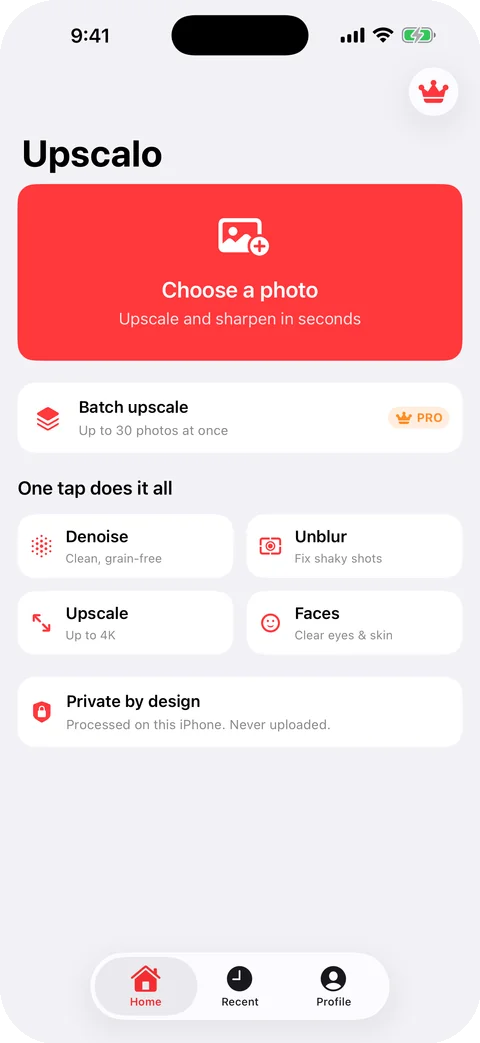
Choose any photo from your library.
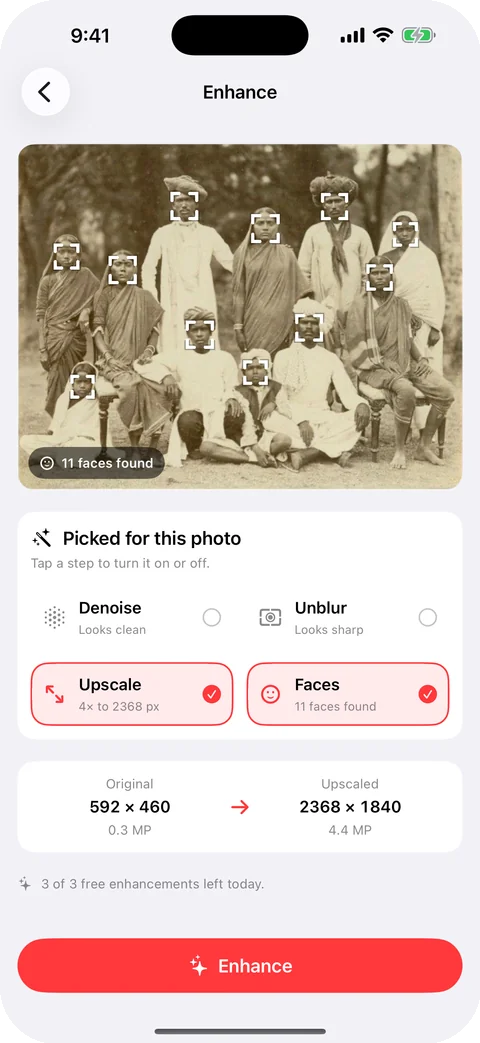
Faces, blur, noise and size are checked automatically.
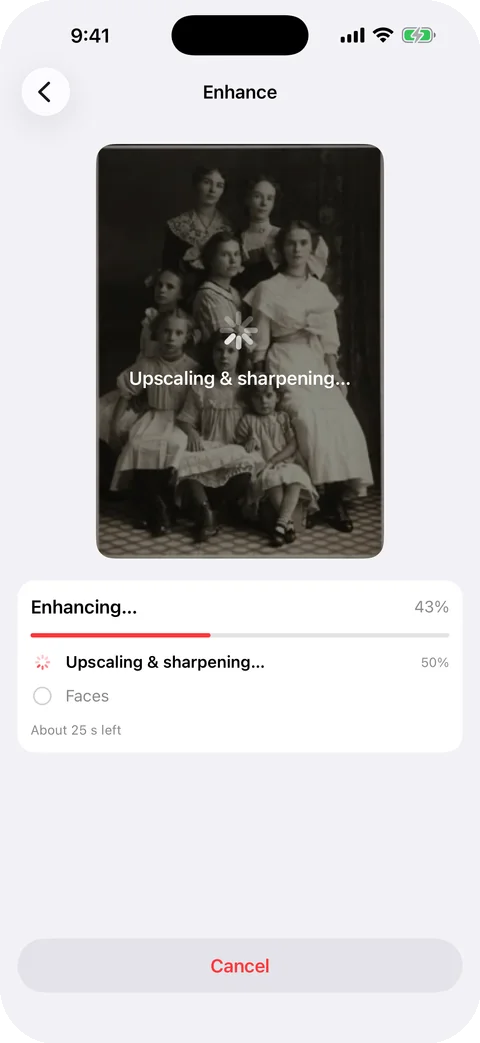
Every fix runs in one go, step by step.
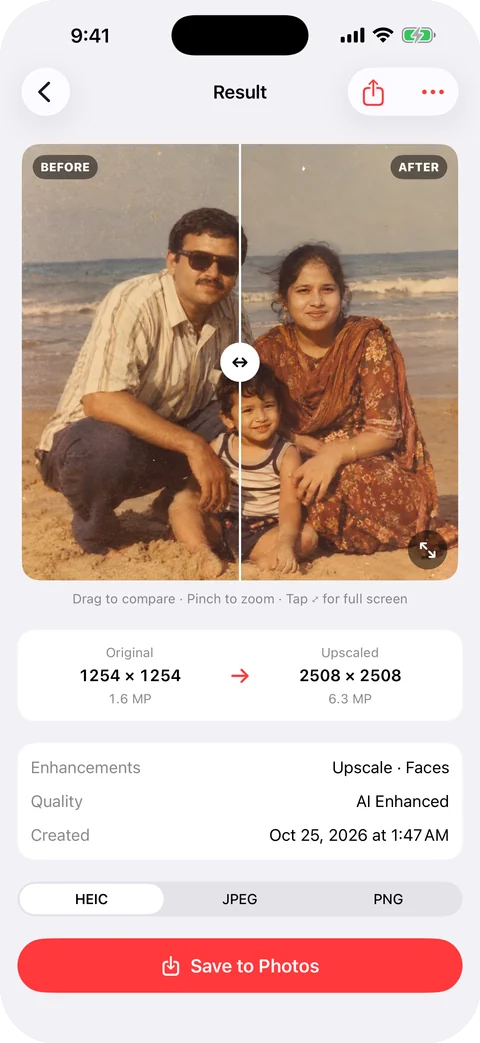
See the difference, then save or share.
$0
Weekly, monthly or one-time lifetime
Prices are shown in the app in your local currency. Subscriptions renew automatically until canceled in your App Store settings.
No. All enhancement runs on your iPhone or iPad. Your photos are never sent to us or to any server.
Only once, to download the AI engine (about 140 MB). After that, Upscalo works offline.
iPhone and iPad with iOS / iPadOS 17 or later. Newer devices enhance faster thanks to the Neural Engine.
Three HD enhancements every day with every AI tool and no watermark. Pro gives full 4K. When they're used up, you can watch an optional ad for one more, or upgrade to Pro for unlimited.
Open iOS Settings › your name › Subscriptions, or Upscalo › Profile › Manage Subscription. Cancel at least 24 hours before renewal.
Sign in with the same Apple ID and tap Profile › Restore Purchases.
Email hello.shakibah@proton.me — we read every message.
Free on the App Store for iPhone and iPad.